Showing posts with label Thumbnails. Show all posts

Monday, 10 October 2016

Friday, 7 October 2016

Photoshop - Value Study and Collage Thumbnails

Value Study - Ersilia

Collage Thumbnails
Thumbnails 65 and 66 were created by making abstract images and then layering them onto each other and cleaning them up. Thumbnails 67 and 68 were created by layering a bunch of the same shape in different shades to create an image and then refining them with the brush and eraser tools.

Sunday, 2 October 2016

Photoshop - Word Map, References and Thumbnails - Zenobia

References and Word Map
 I found that using the word map allowed me to have a clear list of things I wanted to find references off which helped me find a starting point for my thumbnails a lot faster. It also made me think of things that were less obvious when first reading the extract.
Zenobia Thumbnails created using above references

Tuesday, 20 September 2016

Photoshop Exercises - Thumbnails 1-12

During the first Photoshop tutorial I used different methods to create thumbnails. These included some methods I had not used before and they were very interesting to try out. The first thing was to sketch the thumbnails as just line-art. I found this the easiest as I have used a graphics tablet before however as this was the first time using Photoshop I found it tricky finding a brush I liked.
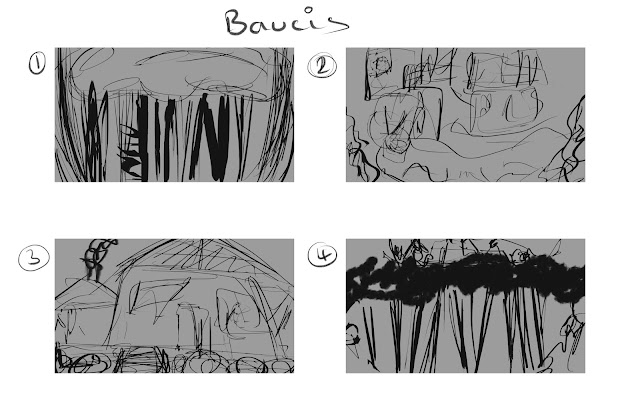
Line-Art Thumbnails.
The next exercise was to sketch the thumbnails using the lasso tool to section off area's before filling them to make the image I wanted. I liked the control this gave me over what I was doing.
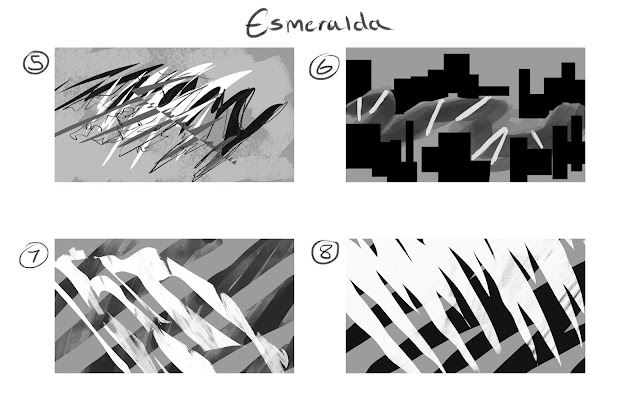
Lasso tool Thumbnails.
The final exercise was to use a mixture of sectioning areas with the lasso tool and using a brush to blend the shades in them.
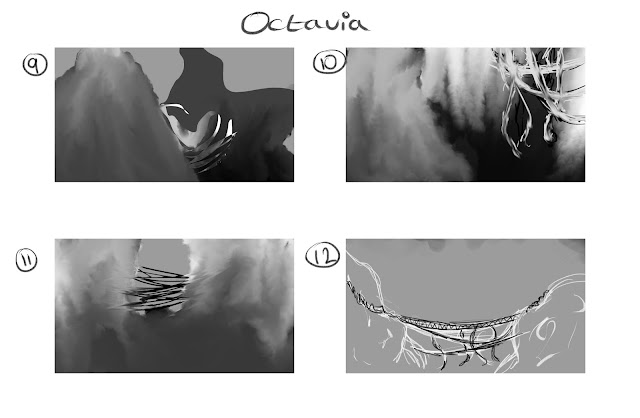
Blending Thumbnails.